

Play the test file
Play a reference video through your normal monitoring chain. A one-frame white flash and a 2 kHz, 20 ms beep start together and repeat about every 0.75 seconds.
By Colorwise / For iPhone
Turn your iPhone into an audio–video sync meter for grading suites, edit bays and screening rooms. Measure how far the sound is ahead of or behind the picture, then see what to change.
Coming soon to the App Store
From timeline to listening position
Play a reference video through your normal monitoring chain. A one-frame white flash and a 2 kHz, 20 ms beep start together and repeat about every 0.75 seconds.
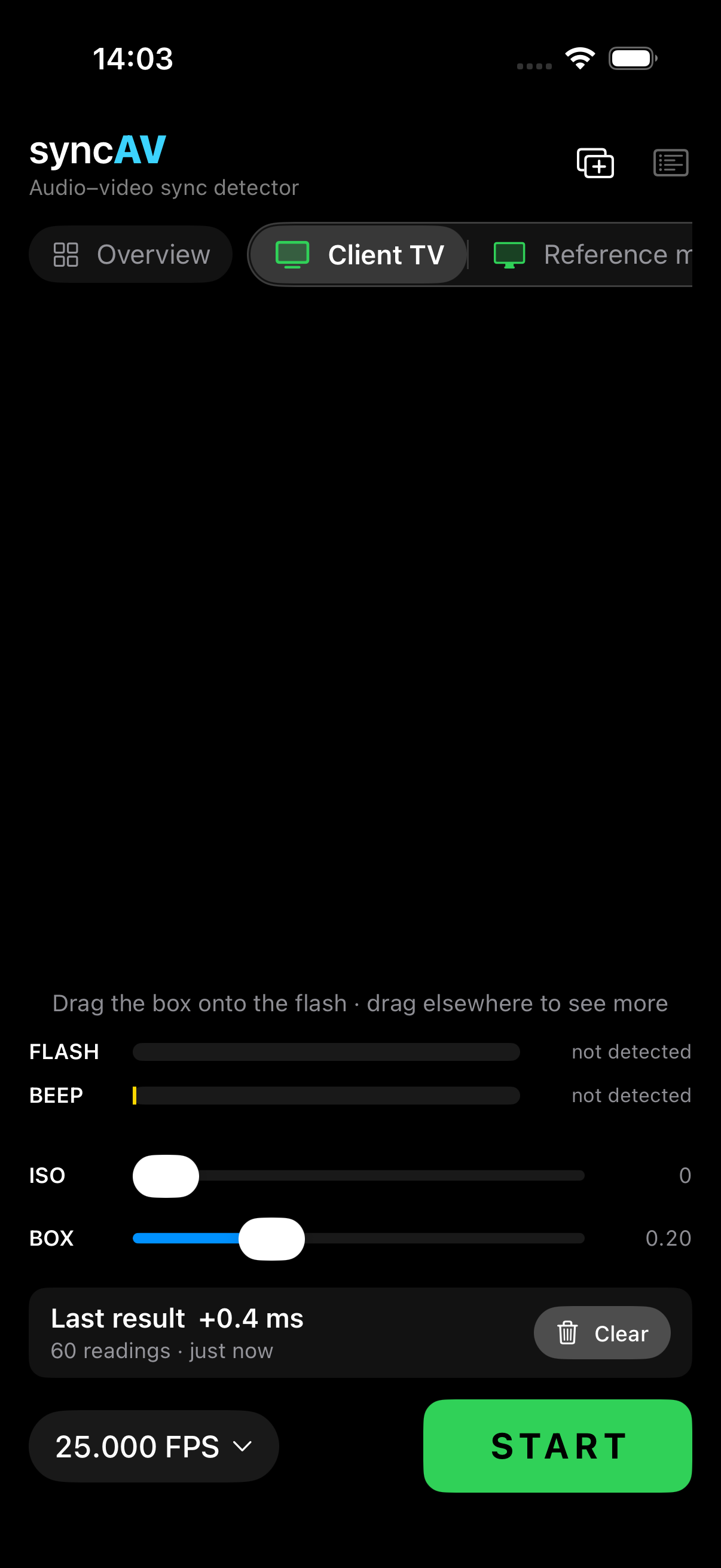
Measure from your usual seat. Drag the measuring box onto the flash. The camera watches at 240 fps while the microphone listens.
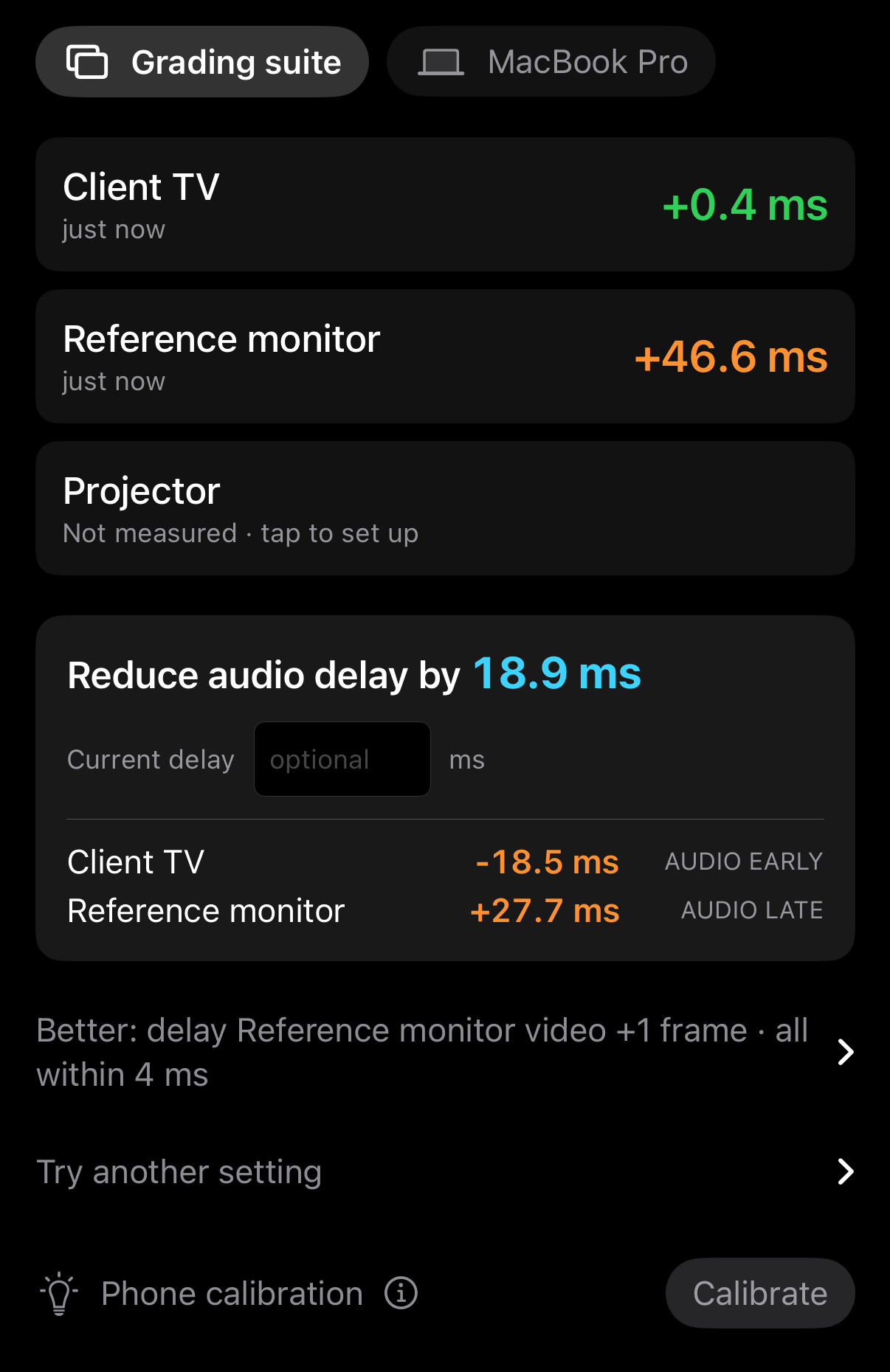
See the offset in milliseconds and frames: audio early, late or in sync. When the result is steady, syncAV stops and shows the audio delay to set.
One screen or the whole room
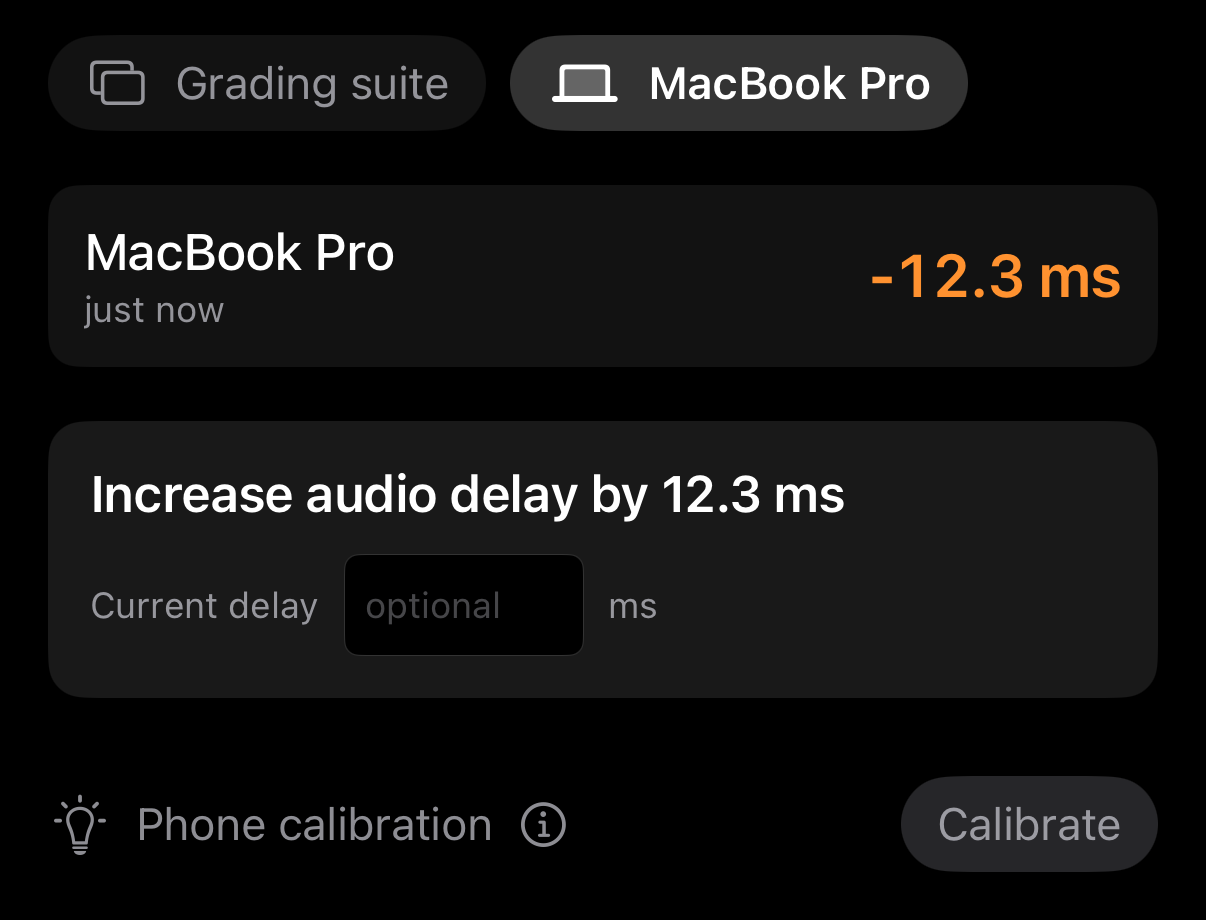
Measure a client TV, reference monitor, projector or laptop. Each retains its own measuring box, camera settings and result.
Group displays that share sound. syncAV finds a common audio delay, weighted to EBU R37 to account for the greater sensitivity to early audio. Displays with independent sound can be corrected separately.
Enter the current delay to see the new value. Preview another setting before changing the system, or see when delaying a picture by whole frames would bring the displays closer together.
Inside the measurement
Full-frame exposure and brightness analysis place the flash edge within a camera frame. The audio measurement follows the beep’s 2 kHz onset, rather than its loudness.
A rolling median smooths readings. Unstable stretches, replays, refresh-rate cadence and clock drift are detected and reported. Measurement stops at ±1 ms precision after 20 to 90 readings.
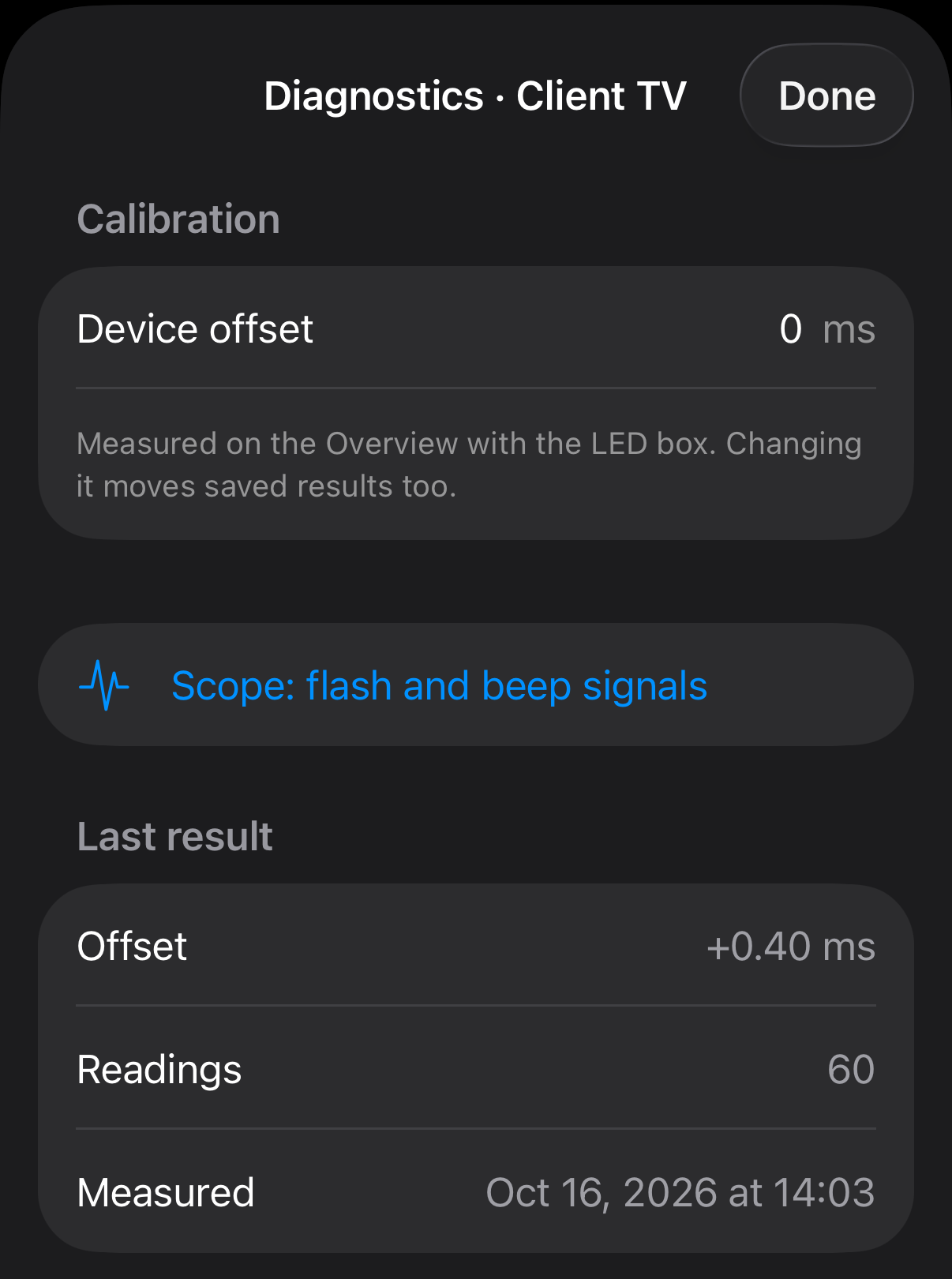
Inspect raw flash and beep signals on a shared time axis, with manual alignment as a cross-check. Export measurements as CSV and diagnostic logs.
Requirements & specifications
An iPhone with a rear camera capable of 240 fps recording, running iOS 18 or later. Use the test file matching your timeline: ProRes 422 HQ with 24-bit, 48 kHz audio, in HD or UHD.
Performance figures describe the developer’s test conditions, not a guarantee for every phone or display.
The A/V Sync Reference device uses a simultaneous LED flash and buzzer to measure the phone’s own camera-to-microphone delay. Calibration takes about 25 seconds and is saved automatically. Without it, syncAV can still measure differences between displays.
Sound travels about 3 ms per metre. Measure each display with the same audio delay, then make the change once. Check again after restarting, pausing or changing pages in your grading software.
syncAV is coming soon to the App Store. The app link will be added here when available.
Questions? Get in touch →I use Google Analytics to understand visits and improve the site. Analytics only starts if you accept.